Three ways to bring fans to your ideas
Your Krinio profile lists every active idea, so one link is enough to start. Share a single idea when you ask for Support on something specific, and show the QR code in your videos so viewers can scan it while they watch.
Three steps
Share your profile, your ideas and a QR code
- 01
Copy your profile link
On your profile, select the share button to copy krinio.com/u/ followed by your handle. Add the link to your YouTube channel links, video descriptions and social bios.
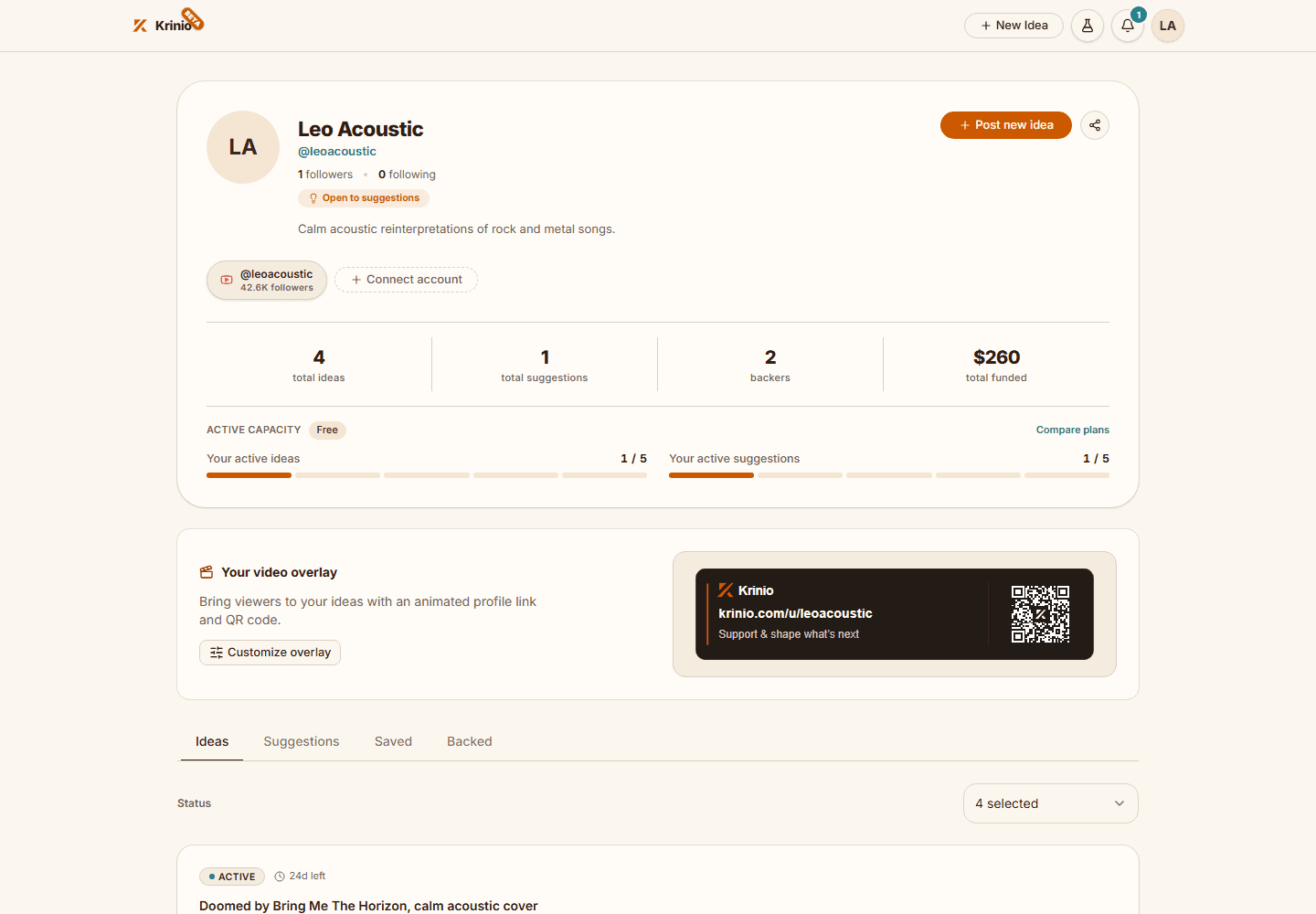
Your profile link shows fans every active idea in one place. - 02
Share a specific idea
Open the idea and select Share to copy its link. Pin it in your comments, add it to a community post or story, and name the idea when you talk about the video you want to make.
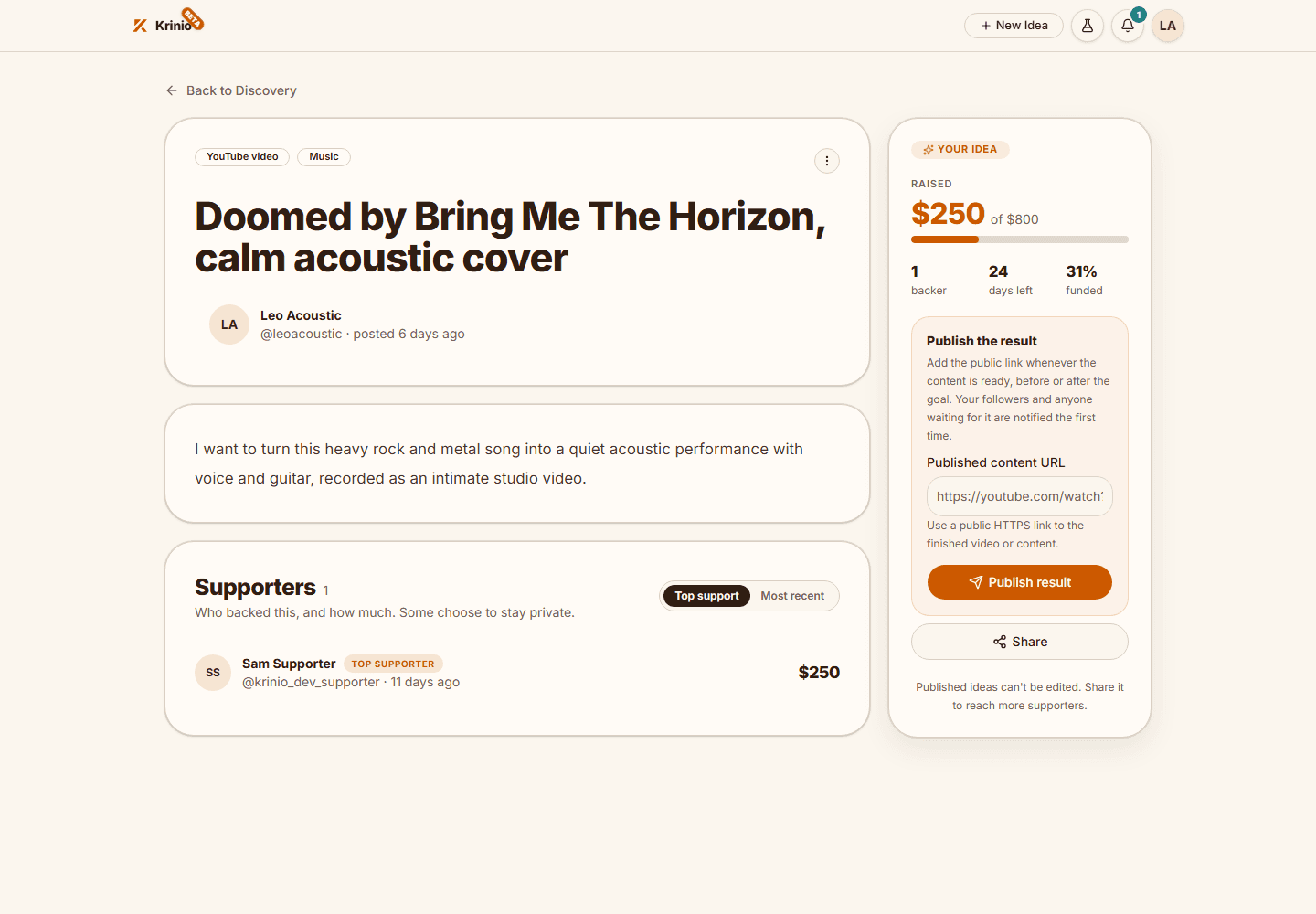
An idea link takes fans straight to that idea and its Support button. - 03
Add the QR code to your videos
On your profile, select Customize overlay, write a short message, choose WebM or MP4 and select Create download. Place the overlay in your video editor or in OBS while you mention your ideas.
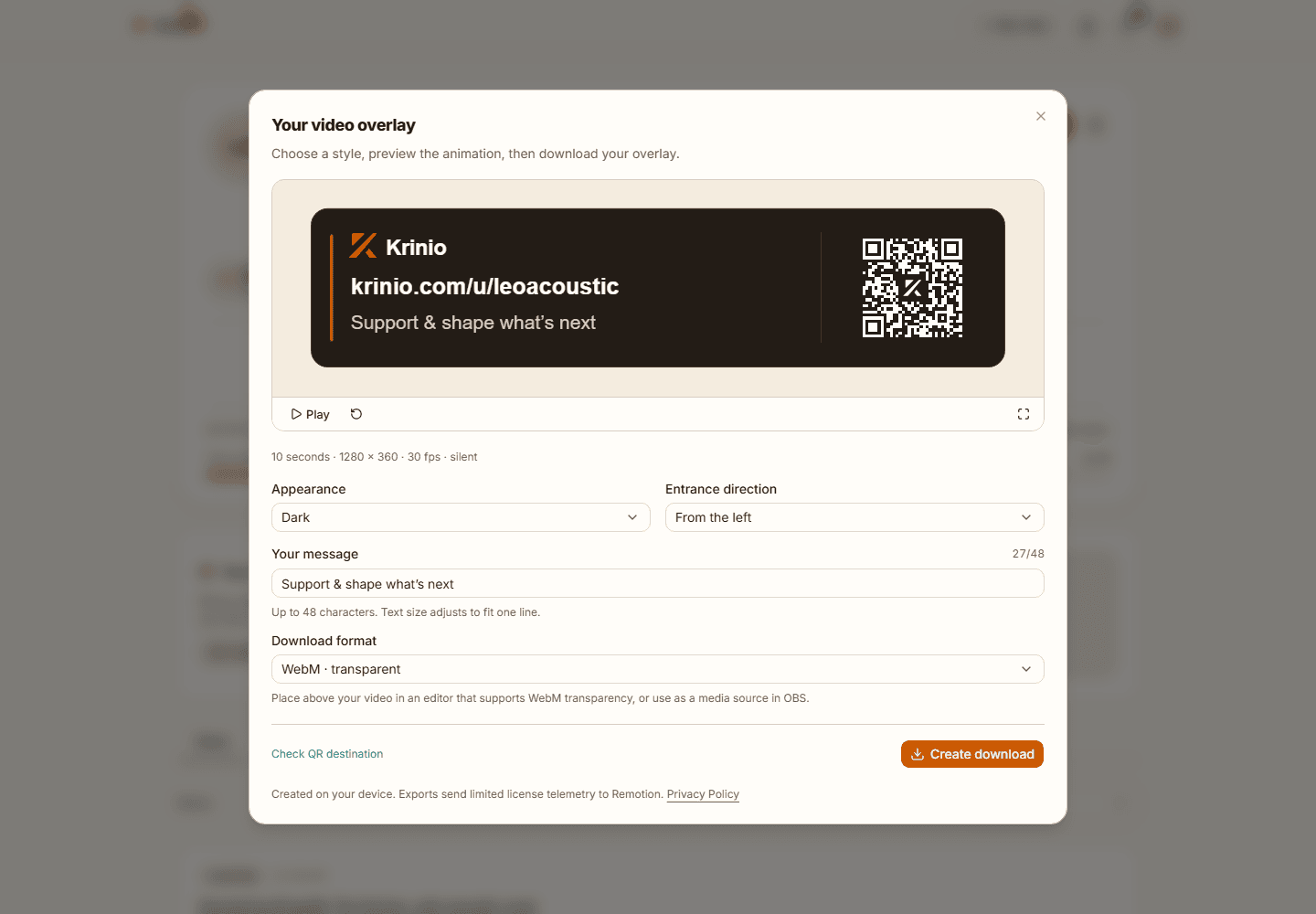
The QR code opens your Krinio profile. The overlay is available once a channel is connected.